Saturday mornings…


Trying to pair my new Amazon Echo to my Xiaomi laptop I received the following error:
blueman.bluez.errors.DBusFailedError: Protocol not available
The solution is quite simple:
sudo apt-get install pulseaudio-module-bluetooth
Then:
pactl load-module module-bluetooth-discover
Just add something like this to your
/etc/bash.bashrc
# Enable Amazon Echo as Bluetooth speaker
# First: apt-get install pulseaudio-module-bluetooth
# Then:

pactl load-module module-bluetooth-discover
The comments will remind you on what you have to install and the last line will run the required command at you OS startup.
Thanks Antonio Gallo. Never happened before
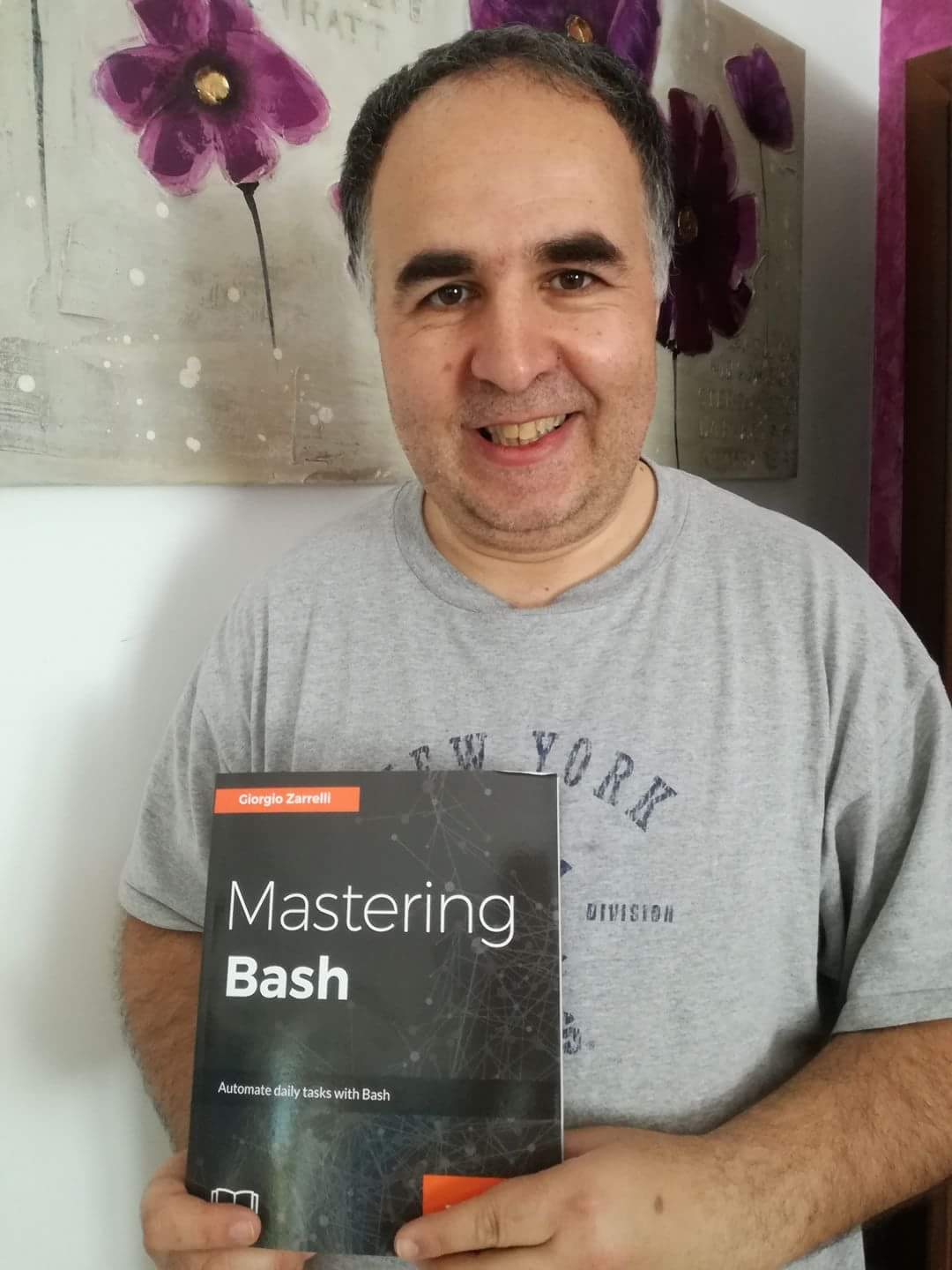
Well, it’s my first book in English so it is somewhat special to me!